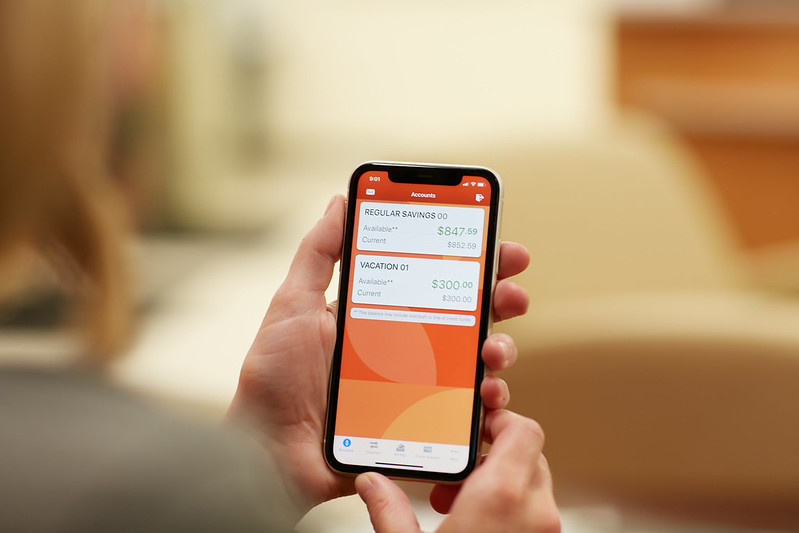
First Time User Guide Online Banking
First time logging into the new Bloom Online Banking
On home page of this site, click on "First-Time User" and follow the instructions.
When you access Bloom Online Banking for the first time you will need to re-enroll for security purposes. In the top left-hand corner of this website's home page you will see a “Login to Online Banking” area. Underneath that area, click on "First Time User". You can also access Online Banking in the top left-hand corner of other Bloom website pages. Where it says username, type your account number. For the password enter your full social security number. You will then have a security code sent to you via text or email (your choice). Once you enter that code, you will be able to set up your passsword and your security questions and answers. You will then be required to set up a new username.
Account numbers have changed slightly.
So use your new number when logging in. For most members you'll simply add a 6 to the beginning of your current number. For examples, see the graphic.

A strong password is one that is at least ten characters with a combination of upper and lowercase characters, numeric characters and special characters. Now you can login. Remember your security question answers, as you'll be asked one question each time you open Online Banking. Each time you will also be sent a security code.
If you don’t know your account number, please call us at 616-452-2161.
You can review our step-by-step Merger Transition Guide here. If you have an old shortcut or bookmark set up for Bloom Online Banking, you will need to reset it for the new version.
Having trouble logging into Online Banking? Please call us at 616-452-2161, stop into a Bloom branch, email us at memberservice@bloomcu.org or LiveChat with us on this website during business hours.
Our combined online banking platform will make it easy for you to manage your finances 24/7. You will be able to set up helpful alerts, automatic account transfers, pay all of your bills with one password, turn your Bloom Cards on and off and even have the option to have your pending ACH deposits post early.

 Tap to text